Develop the work
Capture ideas, notes, images and creative directions while the work is still taking shape.
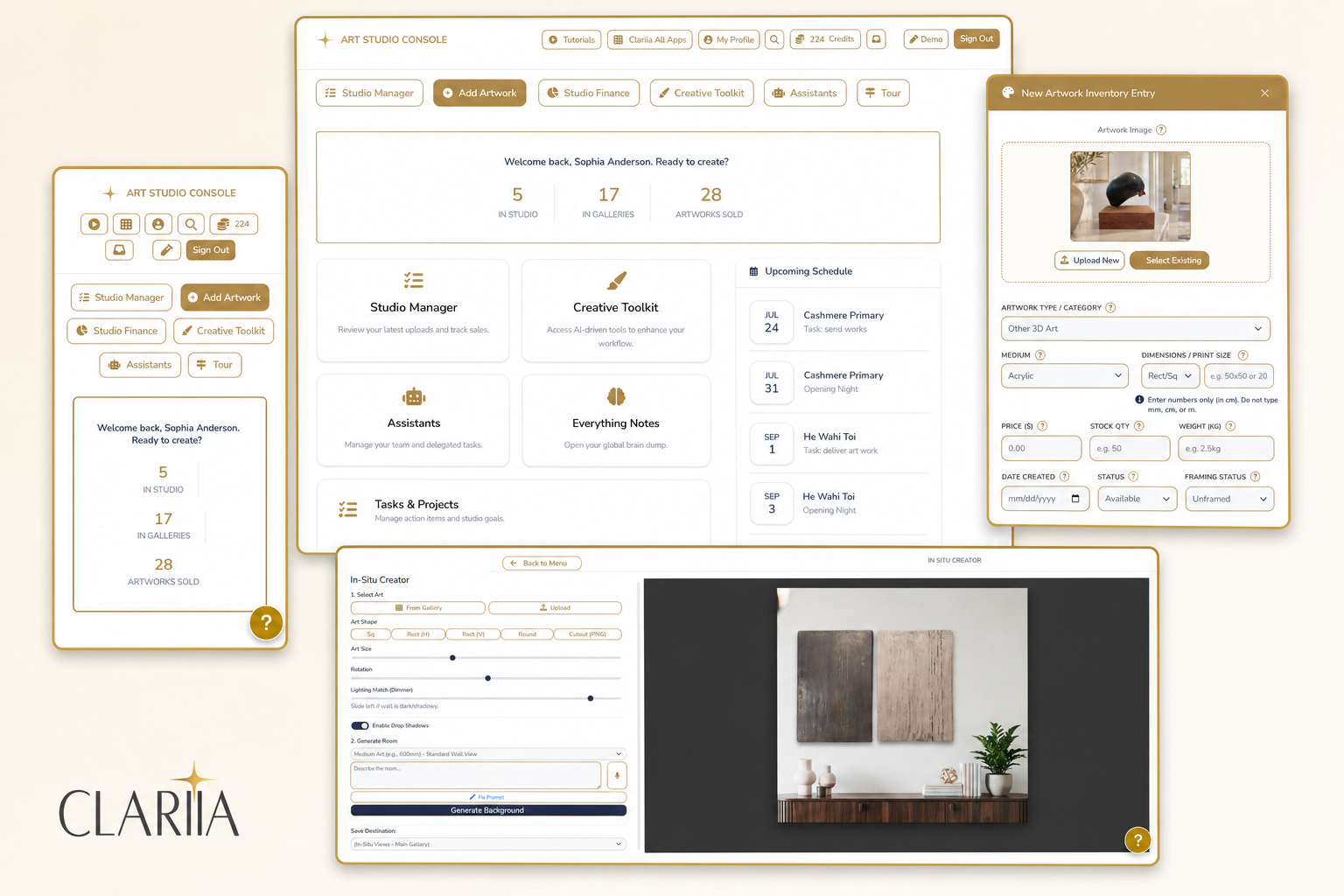
Bring your artwork records, costings, exhibitions, storefront, contacts and marketing into one connected business system built around the way independent artists work.
Add an artwork once. Keep its information useful as it moves from an idea in your studio to an exhibition, a collector or your own artist website.
Start free during Early Access. No card required and no automatic billing.
Sign Up for Free Early Access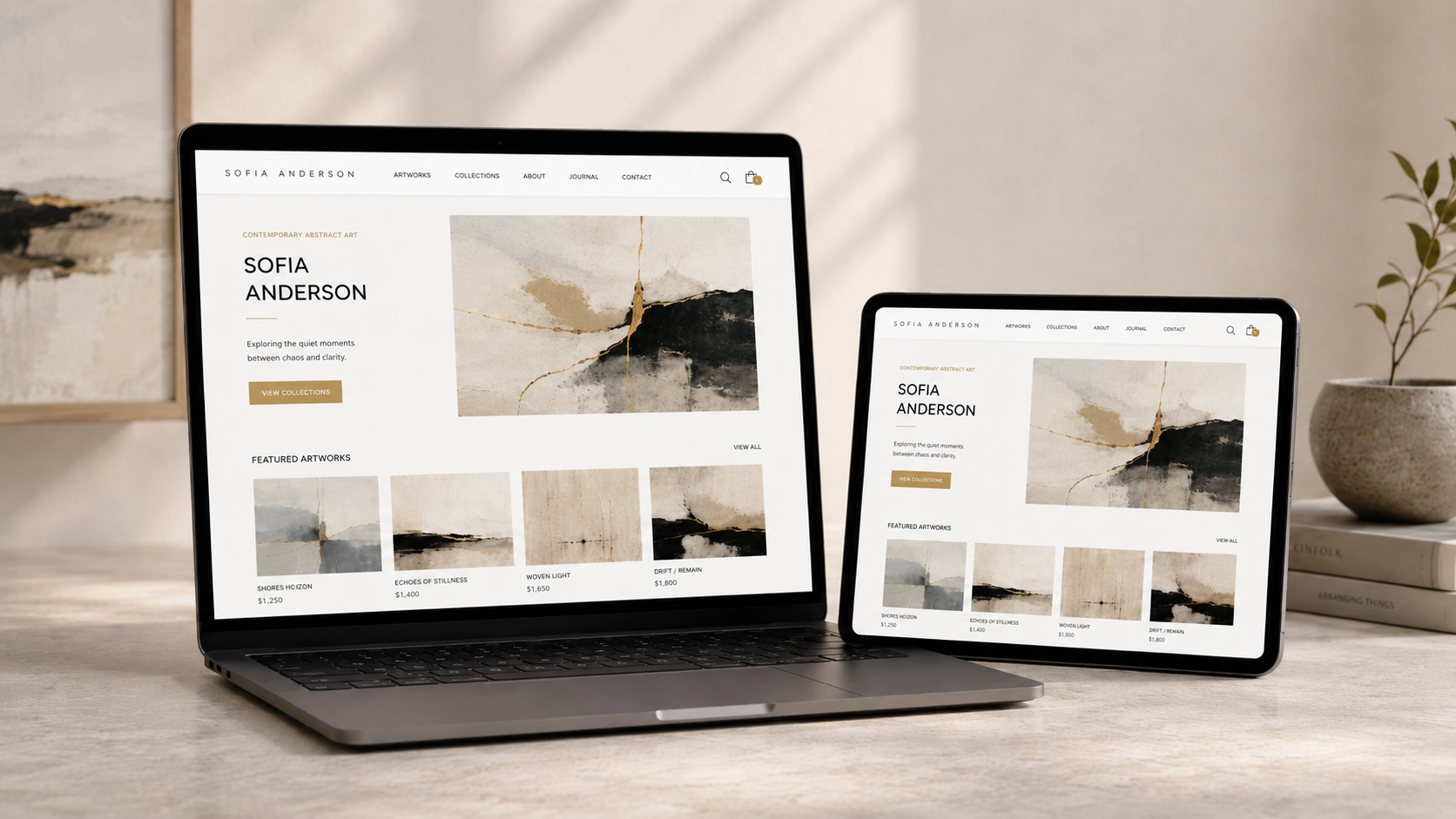
“I am an artist currently using Clariia’s Art Studio Pro to promote and sell my work. The website is great to use, very easy to navigate and upload images to, and has a very professional look. I had the benefit of a colleague artist creating the initial website for me in Clariia, including the various webpages I wanted to display my work. I am a bit of a technophobe, so I needed a website that didn’t require any technical knowledge for me to manage — Clariia achieved this for me. It’s intuitive to use and simple to add images and descriptions of new work. I can highly recommend Clariia as an ideal website for artists.”
You create the work, but you also photograph it, price it, catalogue it, prepare exhibitions, keep receipts, update your website, promote what is coming and follow up with the people who show an interest.
When those details are spread across notebooks, spreadsheets, folders, calendars and old conversations, each new opportunity can mean rebuilding information you have already recorded somewhere else.
You should not have to turn your studio into an office. You need a practical system that keeps the artwork at the centre while giving the business around it somewhere useful to live.
Add the artwork once. Let the information around it become more useful at every stage.
Capture ideas, notes, images and creative directions while the work is still taking shape.
Keep its details and images together, understand its costs, create labels and prepare it for exhibitions or other opportunities.
Present it professionally, help collectors picture it in their space and publish it to your storefront when you decide it is ready.
The artwork record travels with the work, so you are not rebuilding the same information every time a new opportunity appears.
You can know a work deeply and still struggle to explain it to someone else.
The Art Scanner offers a starting point for exploring its visual identity, medium, style and possible audience.
Save the analysis with the artwork, then return to it when you need a description, exhibition statement or fresh way of seeing what is developing across your work.
The Brand Analyst helps you recognise the larger identity forming across a collection or body of work.
These tools do not decide what your work means. They help you see and express what is already there.
Pricing art is never just a matter of choosing a number.
Materials, time, studio expenses and presentation costs all shape what a piece has taken to produce. Art Studio brings those details into view before you decide what to charge.
Keep the supplies and resources used across your practice in view.
See what has gone into producing an individual artwork.
Work through a price without starting the calculation again each time.
Turn expenses, receipts and ledger records into information you can use.
This is not about reducing your artwork to numbers. It is about making sure the numbers support the art.
An exhibition brings together dates, venues, costs, labels, documents, transport, preparation tasks and dozens of small decisions.
The Exhibition Planner gives those details somewhere to go. With the Artist Calendar, Venue Manager, Action Planner and notes system, you can see the whole event without trying to remember all of it at once.
Good organisation does not make an exhibition less creative. It gives the creativity room to breathe.
Your website should not become another place where you rebuild information you already have.
Manage the artwork inside Art Studio. When it is ready to be seen, choose whether to publish it to your connected storefront.
Your inventory remains inside Art Studio, where you manage it. Your storefront shows only the work you have chosen to make public.
Art Studio is the studio behind the storefront.
Sign Up for Free Early AccessArt Studio manages the artwork and the practical work of your studio. Clariia's connected CRM and Marketing workspaces help you manage the people and communication around it.
Move from creating the work to communicating about it without losing the thread.
No. Begin with new work, add older records gradually or focus only on the part of your practice that needs attention now.
No. Use the guided Art Studio Tour, filter the tools shown on your dashboard and begin with one artwork, one idea, one receipt, one costing or one upcoming exhibition.
No. You decide what is saved, published, sent or scheduled. Only the artwork you choose appears on your storefront.
Yes. No card is required and there is no automatic billing agreement. Accounts joining during Early Access remain free. Current availability is shown on the Pricing page.
Begin with one artwork, one idea, one costing or one upcoming exhibition. Build from there as your practice requires it.
You remain the artist and the decision-maker. Clariia keeps the practical work within reach.
Sign Up for Free Early AccessNo card required. No automatic billing. Accounts joining during Early Access remain free.